

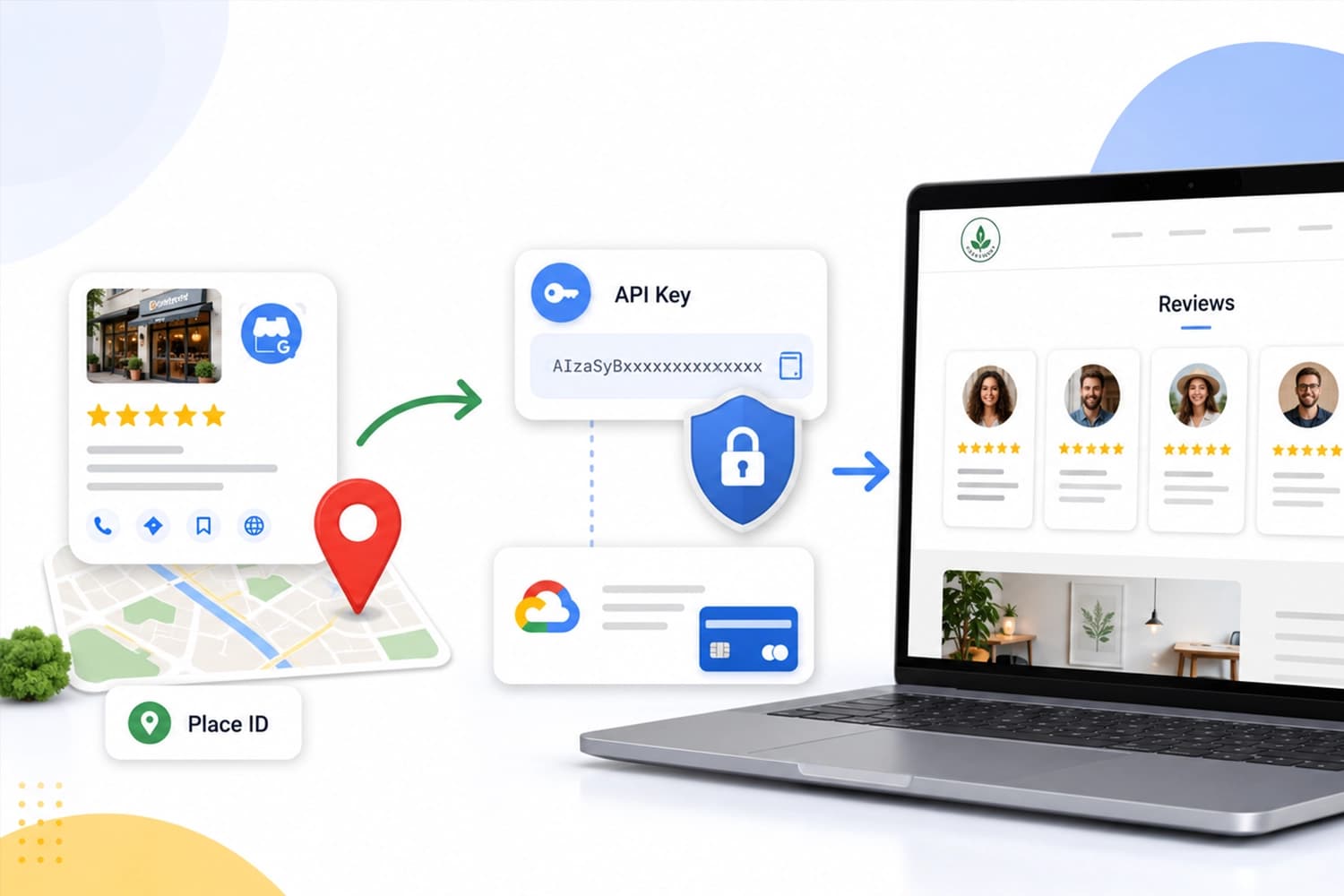
Google reviews are the most credible social proof a local business has: they come from real customers, they are dated, and you don't control them. Showing them on your own website — instead of making people go look you up on Google — converts far better.
For your site to be able to ask Google for them, you need two separate things, and it helps to know what each one is for:
- The Place ID: the identifier of your business listing. It tells Google which business you want reviews for. It's public and free.
- The API key: your credential. It tells Google who is asking, and it's what authorizes the request. It's private.
Without both, the integration won't work.
Step 1: find your Place ID
This part needs no paid account and nothing technical.
Open the Place ID finder
Search for your business
Copy the identifier
ChIJ, something like ChIJN1t_tDeuEmsRUsoyG83frY4. Copy it and save it.Double-check that the listing you picked is the one that actually holds your reviews. Plenty of businesses end up with a duplicate listing Google created years ago; if you pick the duplicate, the integration will work but bring back no reviews at all.
Step 2: create your API key
Go to Google Cloud Console
Create a project
reviews-my-business. A project is simply a box where your credentials live.Enable billing
Enable the Places API (New)
Create the key
Step 3: restrict the key (don't skip this)
An unrestricted API key is a bill waiting to happen. If it leaks — and keys do leak, especially when they end up in browser code — anyone can use it and the usage gets charged to you. Restricting it takes two minutes.
Open your key
Limit which API it can use
Limit who can use it
Set a spending cap
Step 4: send us the credentials safely
The API key is a password. Don't send it over WhatsApp, regular email, or a shared document with a public link: those channels keep a copy forever and you don't control who ends up seeing it.
Get in touch and we'll give you a one-time link to send it through. The Place ID, on the other hand, is public — send that however you like.
What you'll be able to do, and what you won't
Worth setting expectations before you go through the paperwork:
- Only 5 reviews are shown. Google returns a maximum of five per request, and it picks them by its own relevance criteria. There's no way to ask for more or to choose which ones.
- You can't sort or filter them. You can't say "5-star only" or "newest first". Whatever Google decides is what you get.
- You can't reply from your website. The API is read-only. To answer a review you still have to go into your Google Business profile.
- Your average rating and total review count are available, and those are usually the numbers that carry the most weight in a buying decision.
If what you want is to build up a longer history than Google lets you query, that can be done by saving new reviews each week so the old ones aren't lost. Ask us and we'll set it up.
Still stuck?
If you didn't find what you were looking for, write to us and we'll help with your specific case.